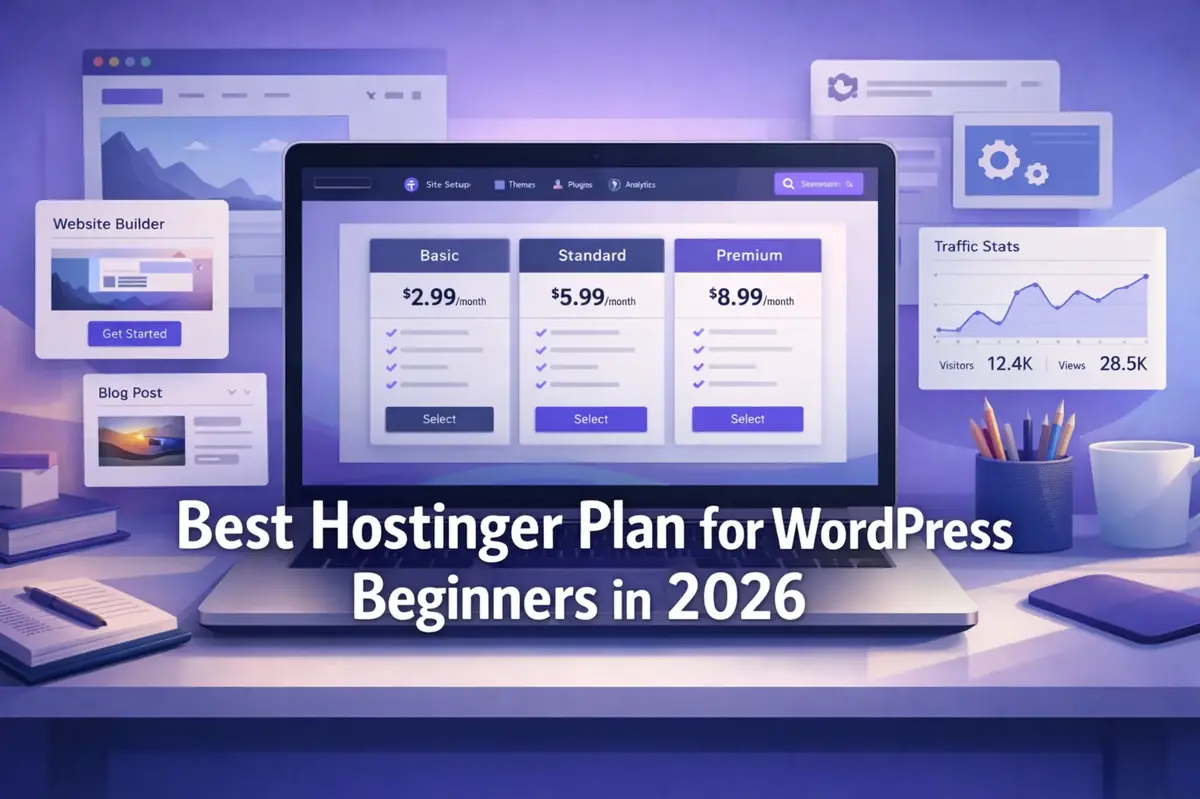
Best Hostinger Plan for WordPress Beginners in 2026
If you are starting your first WordPress site, the smartest choice is usually not the cheapest plan on the page. It is the plan that gives you enough room to launch safely, keep SSL active, recover from mistakes, and grow without feeling forced into an upgrade too early.
This guide is worth reading because many beginners compare Hostinger plans by promo banners instead of real needs. The goal here is narrower and more useful: help you choose the best Hostinger plan for WordPress beginners in 2026 without overpaying, overbuying, or mixing this decision with a full Hostinger review.
Affiliate Disclosure: This article may contain affiliate links. If you buy through them, we may earn a commission at no extra cost to you. We only recommend products that fit the use case.
How we verified: This guide is based on Hostinger’s current WordPress hosting page and support documentation covering free domains, SSL, backups, hPanel, renewals, migration, and support, plus WordPress.org’s current hosting requirements. We did not use private benchmarks or unpublished support claims.
Why this article is worth reading
A lot of hosting content does one of two things badly. It either turns into a broad review, or it throws every plan at you at once. That is not helpful when your real question is simpler:
Which Hostinger plan should a WordPress beginner actually choose?
This article stays focused on that one decision. It does not repeat your full Hostinger review, and it does not become a deep renewal-cost article. It is here to help you choose a starting plan with the least regret.
Quick Verdict (TL;DR)
For most WordPress beginners, Hostinger Web Premium is the safest default.
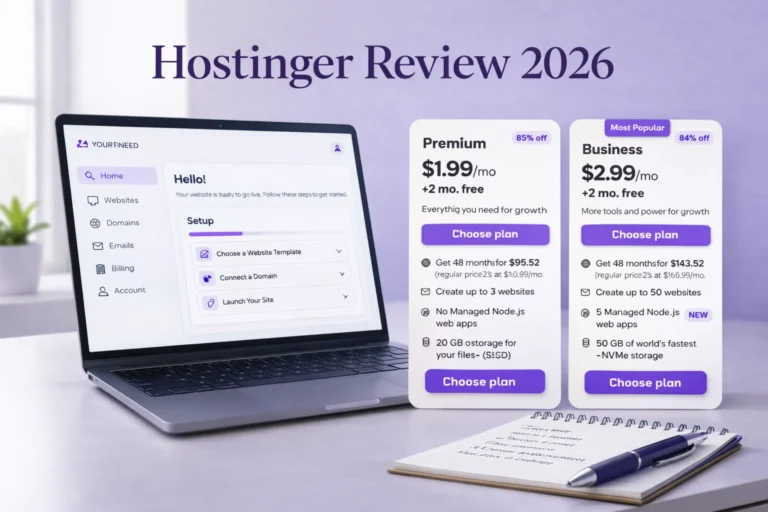
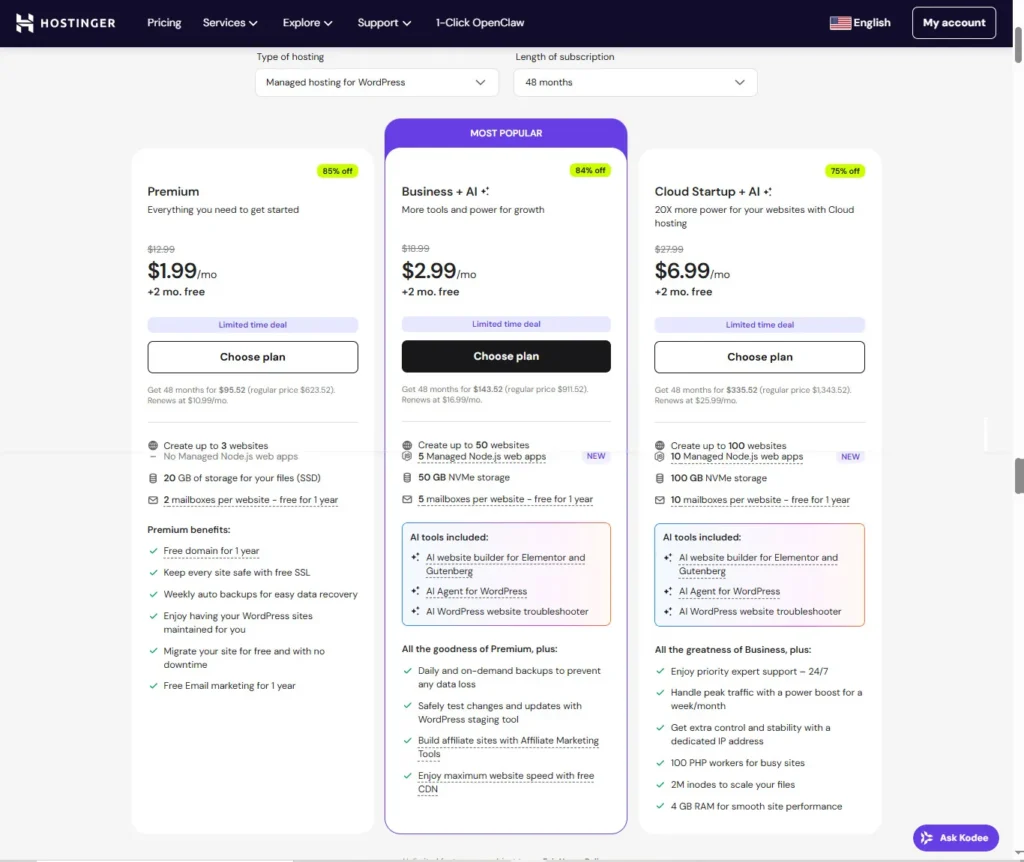
That recommendation is not because it is “best for everyone.” It is because Hostinger’s current rules make Web Premium the lowest web tier that normally gives a beginner the right balance of first-year convenience and long-term usability: eligibility for a free domain on a new 12-month-or-longer purchase, free SSL, weekly automatic backups, and a cleaner path to grow beyond a throwaway starter site. Hostinger’s current plan page also frames Premium as a practical starter tier, while Business adds stronger growth and recovery features.
Choose Web Business instead if your site matters commercially from day one, if you want daily backups built in, or if you expect WooCommerce, heavier plugin usage, or more change-management needs. Business is easier to justify when the site is tied to revenue, client work, or frequent changes.
What should beginners look for in WordPress hosting in 2026?
WordPress itself is not very demanding. The beginner decision is usually less about raw technical power and more about getting the basics right.
For a first site, the things that matter most are practical:
- free SSL
- backup access
- an easy-to-use dashboard
- clear domain rules
- a clean WordPress install flow
- a plan that does not force an awkward upgrade too soon
That is what you should look for in WordPress hosting before you care about brand slogans or flashy extras.
Is Hostinger a good fit for WordPress beginners?
Yes, for the right type of beginner.
Hostinger is a strong fit if you want a beginner-friendly workflow, a centralized panel, and a value-first setup. Most Hostinger hosting products use hPanel, not standard cPanel, and that matters because a cleaner control flow reduces setup friction for first-time site owners.
Hostinger is a weaker fit if you specifically want phone-first support or a more premium, agency-style support experience. If support style matters a lot to you, that should be part of the decision before you buy.
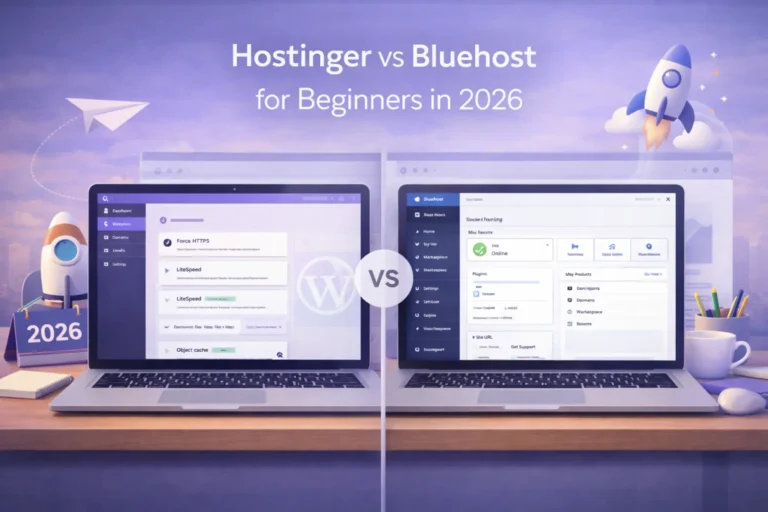
If phone-first support matters to you, read our Hostinger vs Bluehost comparison before choosing a hosting plan.
Which Hostinger plan is best for most WordPress beginners?
For most beginners, the answer is Web Premium.
Web Premium is usually the safest default because it covers the gap between “too basic” and “more than I need.” It is also the lowest tier that usually feels complete enough for a real launch instead of just a test setup.
On Hostinger’s current WordPress hosting page, Premium is presented as the practical starter tier and includes key beginner-friendly benefits such as a free domain for one year on eligible purchases, free SSL, weekly backups, and migration support.
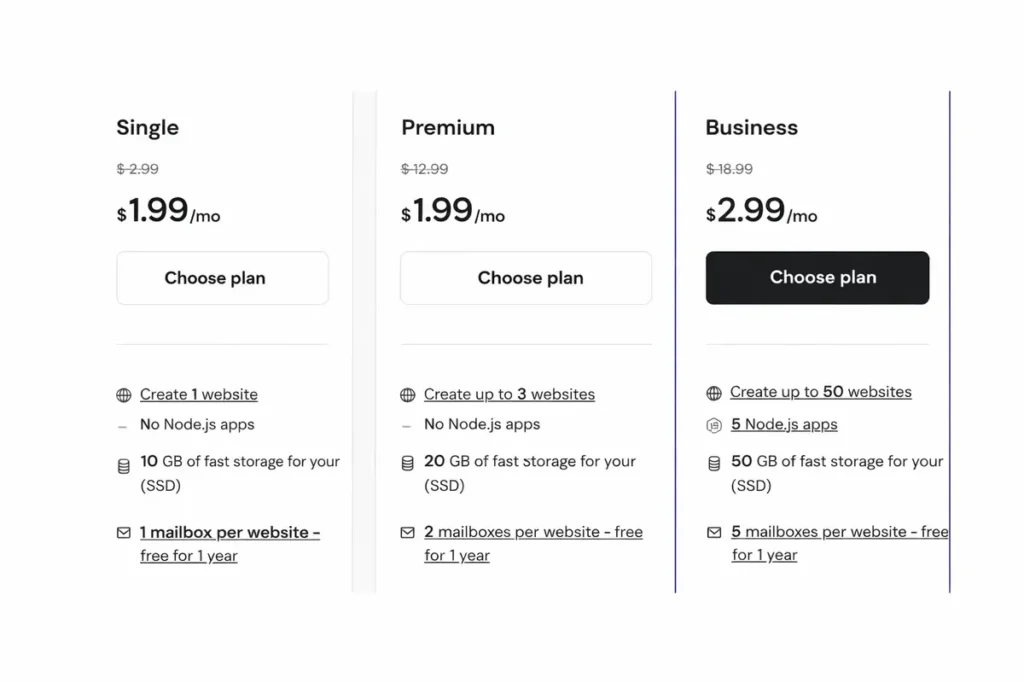
That is why Premium is usually the right answer for a beginner with a real first project, not just a disposable test site.
When is Web Premium enough?
Web Premium is enough when your site is simple and your first-year goals are realistic.
It is a good fit for:
- a first blog
- a portfolio
- an affiliate content site
- a creator site
- a brochure-style small business website
- a straightforward WordPress content project
If your site is mostly posts, pages, forms, a light plugin stack, and modest traffic, Premium is often the right move.
This is also the better choice when budget matters, but you still want a free domain name, SSL, weekly backup coverage, and a dashboard that is easy to use.
When should a beginner choose Web Business instead?
Choose Web Business when the site matters more from day one.
That includes:
- a lead-generation site
- a site tied to revenue
- a WooCommerce or small e-commerce project
- a client-facing site where recovery matters
- a project that will change often
- a setup where daily backups make you noticeably safer
Business is easier to justify when the project is commercially important or more demanding operationally. It gives you a stronger safety buffer and a better setup for growth.
Do beginners need cloud hosting or AI extras on day one?
Usually not.
Cloud is more about headroom than beginner simplicity. It makes sense later when traffic, operations, or workload justify it. For most WordPress beginners, Premium or Business is the cleaner starting point.
The same goes for AI extras. They can help, but they should be treated as convenience features, not the reason to choose your plan. Pick the plan for stability, backups, SSL, dashboard clarity, and growth path first.
What matters more than the promo price?
The intro price matters less than the feature split and the renewal logic.
Here is what matters more than the banner:
| What to check | Why it matters | Better beginner answer |
|---|---|---|
| Free domain | Simplifies first-year setup | Eligible on new 12+ month Web Premium, Web Business, and Cloud purchases |
| Free SSL | Keeps the site secure from day one | Included on qualifying web and cloud hosting plans |
| Backup level | Helps you recover from mistakes | Weekly minimum; daily if the site matters to revenue |
| Panel workflow | Reduces setup friction | hPanel is simpler than legacy control panels for many beginners |
| Upgrade path | Prevents rebuying too soon | Clear move from Premium to Business |
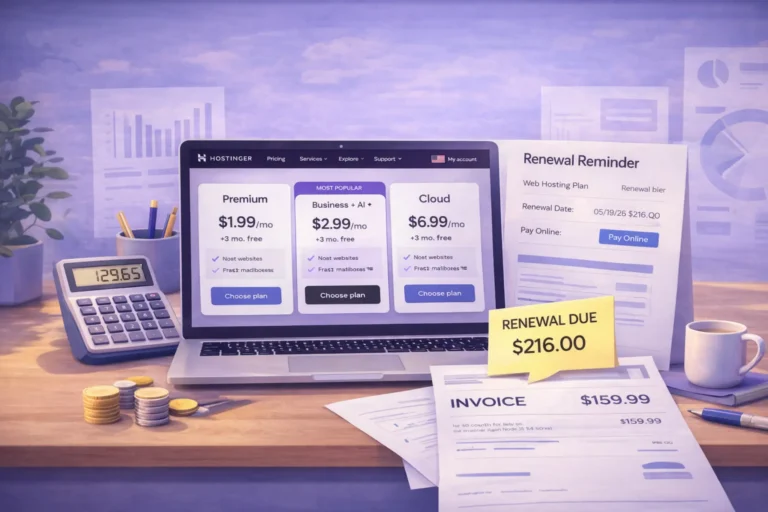
Hostinger also makes renewal checking easier through the billing area, which is important because many beginners ignore renewals until it is too late.
What do you actually get after checkout?
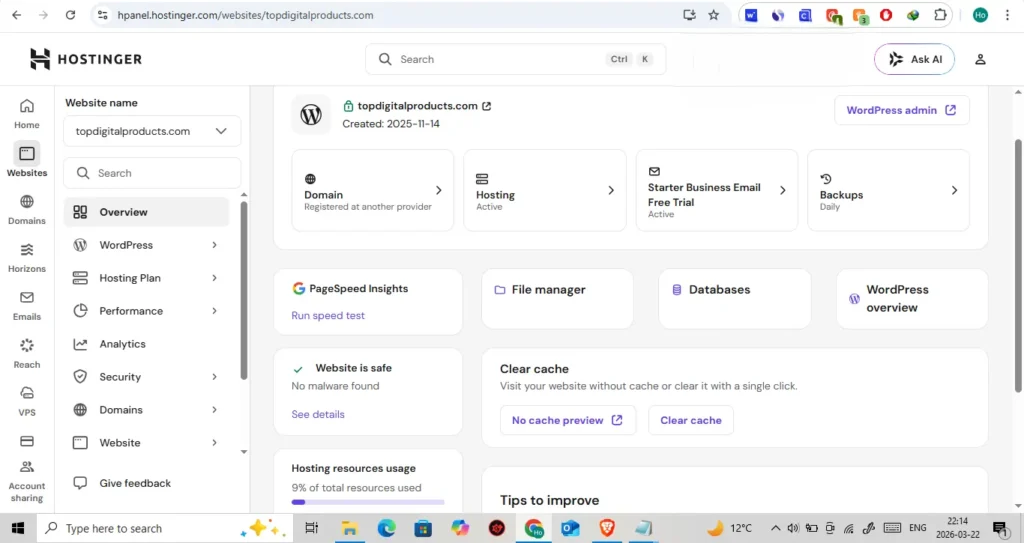
After checkout, Hostinger routes most users into hPanel, where the main sections include Home, Websites, Domains, Emails, VPS, and Billing. That is useful because it keeps the early setup path more centralized than many older hosting experiences.
You can manage websites, add a new site, migrate an existing one, manage domains, and track subscriptions from the same panel.
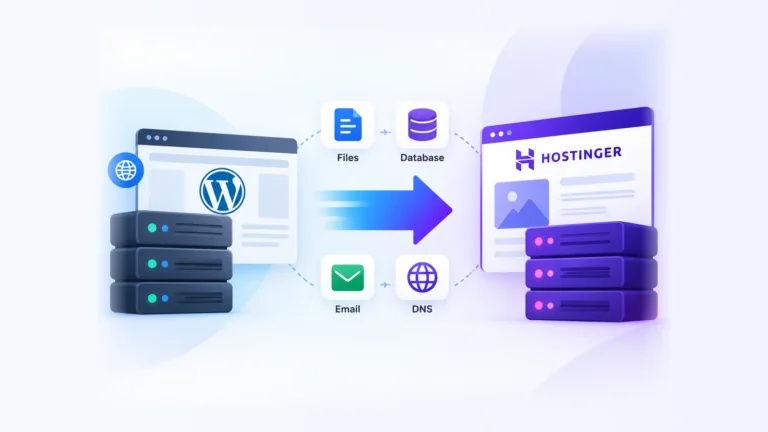
If you already have a site elsewhere, migration support can make the move cleaner, especially if you want to avoid rebuilding everything from scratch.
What beginner mistakes should you avoid?
The biggest mistake is buying only for the first invoice. For a broader pre-buy checklist, review what to check before buying Hostinger.
The second biggest mistake is ignoring renewal behavior. There is no reason to leave that check until the end of year one.
Other common mistakes include:
- assuming every plan includes a free domain
- underestimating backup needs
- buying the lowest plan for a site that will clearly grow
- choosing based on AI hype instead of real workflow
- forgetting that support is chat/email-based rather than phone-based
- thinking “managed” means “I never have to maintain WordPress again”
These are the beginner mistakes to avoid because they create regret later.
Who should choose Hostinger Premium, and who should skip it?
Choose Web Premium if:
- this is your first serious WordPress site
- you want value without a fragile setup
- you want a free domain, SSL, and weekly backups
- the site is content-focused, affiliate-focused, or brochure-style
- you want a plan that is easy to use without being overly expensive
Choose Web Business instead if:
- the site supports leads, sales, or ecommerce
- daily backups matter to you
- you expect heavier plugin use
- you want staging and stronger growth tools
- you want a safer buffer from day one
Skip both and look elsewhere if:
- you insist on phone support
- you already know you want a very premium-touch support model
- your workflow is heavily developer-driven from the start
Key Takeaways
- Web Premium is the best Hostinger plan for most WordPress beginners in 2026.
- Web Business is the better choice for revenue-focused or heavier sites.
- The cheapest plan is rarely the best plan for a serious first project.
- Free domain rules, backup level, and renewal behavior matter more than the promo banner.
- Hostinger’s hPanel is a real usability advantage for many new users.
- AI tools are useful bonuses, not the core reason to choose a plan.
- Check the renewal price before you buy, not after the first year ends.
FAQs
Is Hostinger good for WordPress beginners in 2026?
Yes. Hostinger is a good fit for beginners who want a centralized panel, a straightforward WordPress setup path, SSL, and a sensible upgrade path.
What is the best Hostinger plan for WordPress beginners?
For most beginners, Web Premium is the best default. Web Business is better when the site is commercially important, uses WooCommerce, or needs daily backups from the start.
Does Hostinger include a free domain?
Yes, but not on every plan. A free domain is included on eligible new Web Premium, Web Business, and Cloud purchases with a billing term of 12 months or longer.
Does Hostinger include free SSL?
Yes. Free SSL is included on eligible Hostinger web and WordPress hosting plans, but you should still confirm the current plan details at checkout.
Does Hostinger use cPanel?
Usually no. Most of its main hosting solutions use hPanel instead.
Can I migrate a WordPress site to Hostinger later?
Usually yes. Hostinger supports migration for WordPress and other open-source CMS setups, subject to eligibility and resource limits.
How do I check the renewal price?
Go to Billing → Subscriptions in hPanel and look for the renewal price details there.
Conclusion
For most WordPress beginners, Web Premium is the safest default Hostinger plan in 2026. It usually gives enough room to launch a real first site without jumping too quickly into a higher tier.
Choose Web Business instead if your site is tied to sales, ecommerce, heavier plugins, or higher recovery needs.
The smartest decision is not choosing the cheapest plan. After choosing your plan, follow the setup guide to start your first WordPress site on Hostinger. It is choosing the smallest plan you will still feel comfortable using after launch week is over and the real work begins.